ICmd User Guide
Description
ICmd is a tool that uses macro annotations to define command-line interfaces, allowing users to parse command lines without dealing with complex command-line parsing and control flow management, enabling them to focus solely on the main logic of the command line.
Users define processing functions, command paths, parameters, parameter handlers, options, option handlers, and more through macro annotations. ICmd automatically parses these elements. When executing a specific command line, ICmd automatically matches the specific command and injects option and parameter content, then executes the processing function. At this point, all parameters and commands have been parsed, and users can use these parameters and options to handle specific functionalities.
Reference Project
Users can refer to IPubCore for further understanding of usage.
Example
We will write a simple example to describe how to use ICmd.
Installing ICmd
For instructions on how to install ICmd, please refer to Installing ICmd.
If you wish to learn more about the package management system, please refer to Package Management System.
main.cpp
First, define main.cpp. The main content of main.cpp is to start an ICmdServer to receive, parse, and execute commands.
The specific function of ICmdServer is to parse ICmdRequest content, match the specific ICmdAction for a certain path, and execute the processing logic of the ICmdAction.
ICmdRequest parses the command line into three parts: path, parameters, and options.
ICmdAction is the processing action for a specific path, which includes injecting parameters and options into the defined Cmd and executing pre-processing or post-processing functions if defined, before finally executing the processing function.
Defining a Cmd
Let's define a VersionCmd below.
In the header file, we define a Cmd item.
VersionCmd inherits from ICmdInterface using CRTP. The main content of ICmdInterface is to parse Cmd, generate CmdAction content, and inject it into ICmdManage. If ICmdServer matches this CmdAction, the class will be executed.
The Q_GADGET macro enables reflection for this class, allowing the system to recognize its classinfo, property, and method information. This information is organized into the content of CmdAction.
The $AsCmd(/) annotation indicates two things: first, it marks this class as a Cmd class. Second, the starting path for this Cmd is /. Additionally, if the path is /, it will be ignored.
The $CmdMapping(version) defines a Cmd processing function, which must be followed by a function named version. By default, CmdMapping also defines a path version, so this Cmd generates a CmdAction with the path version.
The $CmdMappingMemo(version, "print imakecore version info") provides an annotation for version. This annotation is displayed when the user prints the CmdAction.
In the void version() function, not only does it execute the specific print functionality, but there is also a notable line quick_exit(0). The purpose of this line is to exit the entire program. Therefore, after executing the successful functionality in the Cmd, users must manually exit the program.
Using the Cmd
We execute the command as follows:
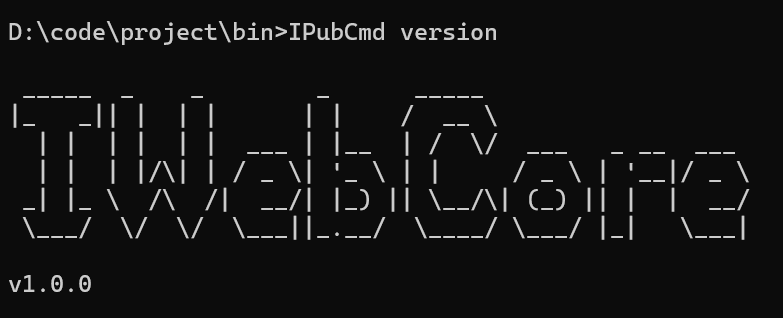
We use -? to print its introduction:
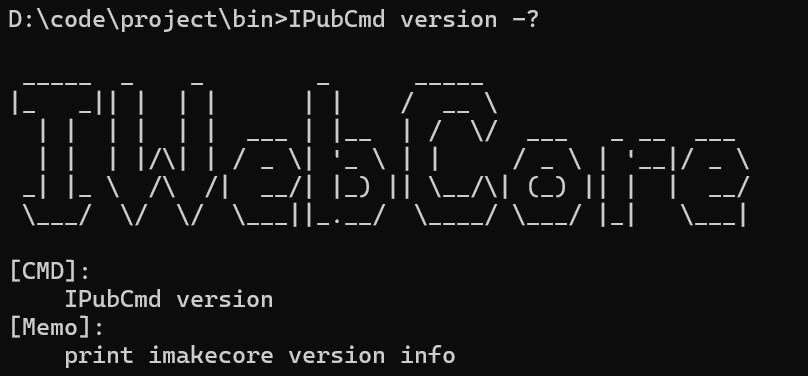
As seen above, the command content and the memo content we entered are displayed. Users can quickly understand how to use this command through this information.
A More Complex Example
Let's write a more complex example below. We will display the code and input/output, but won't go into detailed explanations.
The related output is as follows:
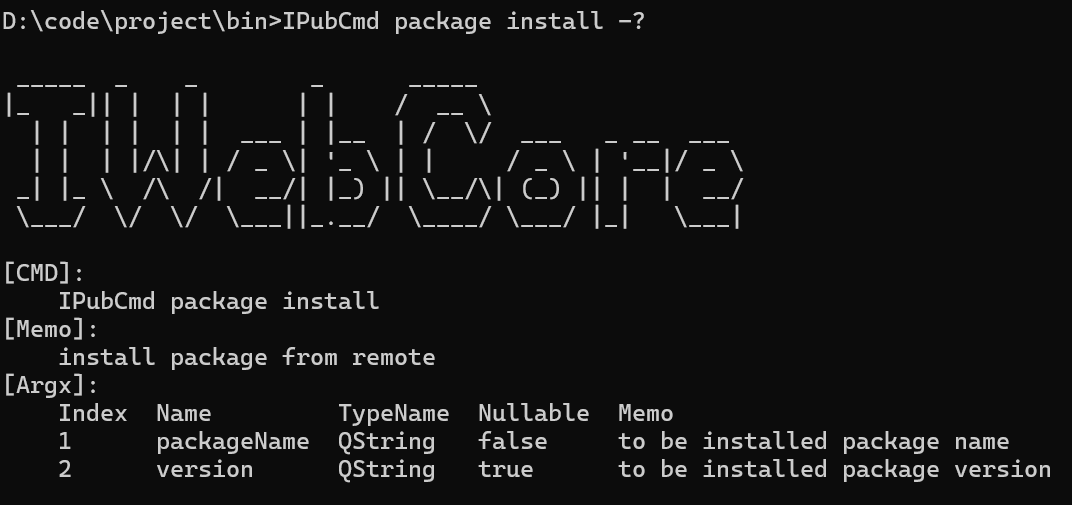
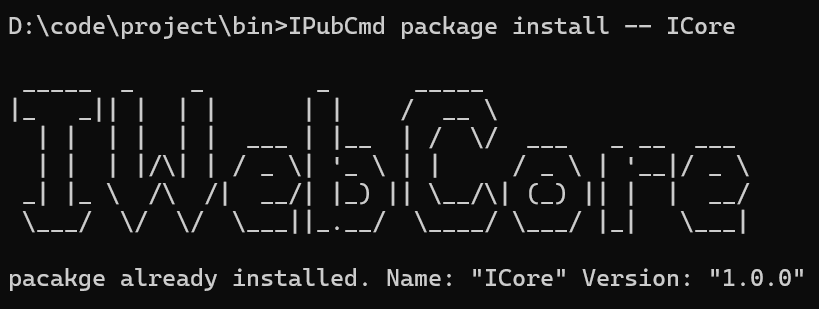
Next Content
- In the above examples, we have demonstrated how to use the tool. The following content will introduce more details. Please continue reading.